HWID Spoofer
Clean slate for your PC
At a glance
Key capabilities
What HWID Spoofer focuses on before you open the full module list.
Plus 9 additional modules in the operator portal—see the full list below.
Overview
HWID Spoofer for Aion 2 PC bans
How this build fits Abyss PvP, instances, and patch-day workflows.
Use the HWID Spoofer when NCSOFT anti-cheat flags your PC hardware but the NCSOFT account is still fine. Includes disk and MAC tools, a restore-point checklist, a compatibility scan and post-spoof checks.
Use it when new accounts die on one PC but work on another. It does not fix account-only anti-cheat bans. After spoofing, use a safer cheat profile before Abyss PvP.
When you need it
Use when fresh NCSOFT accounts fail instantly on one PC but work elsewhere—classic HWID enforcement. Do not use for account-only anti-cheat cases; see [UGC](/products/aion-2-cheats/ugc/) instead.
Full workflow
Restore point, driver cleanup, spoof application, cold reboot, identifier verification, then conservative cheat profile before Abyss PvP. Full checklist ships in the portal and in our HWID blog guide.
Modules
What's included
Every module and overlay shipped with HWID Spoofer—toggle and tune in the operator portal.
- Disk serial profile tools
- MAC address rotation
- Restore point checklist
- Compatibility scan
- Driver conflict detection
- Post-spoof verification
- Identifier diff report
- Cold reboot guide
- Portal step-by-step workflow
- Discord recovery support
Experience
In the client · After you buy
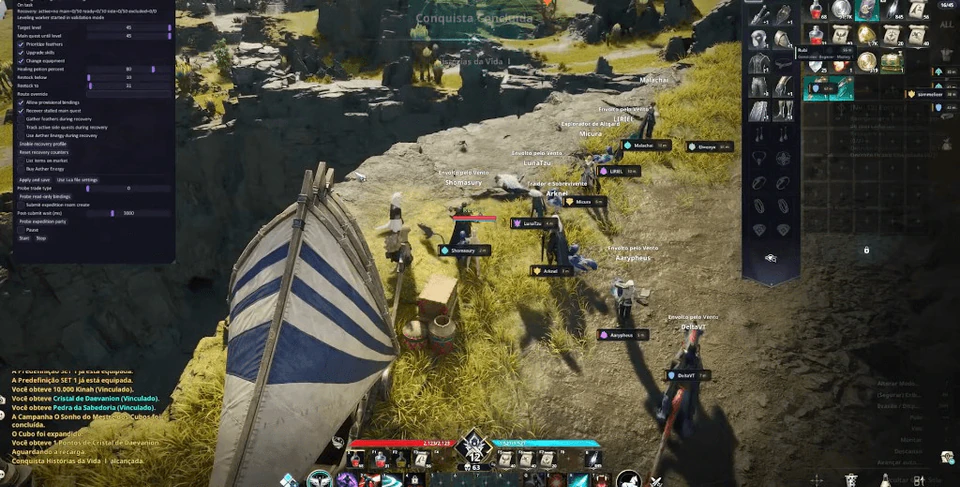
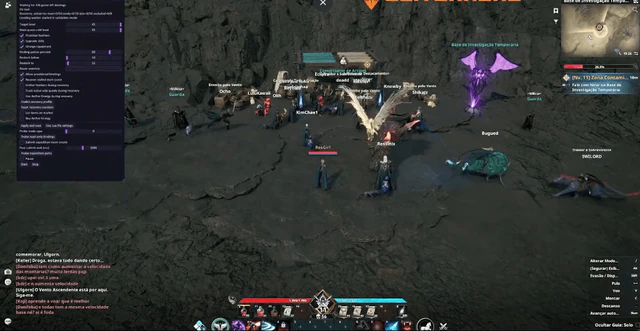
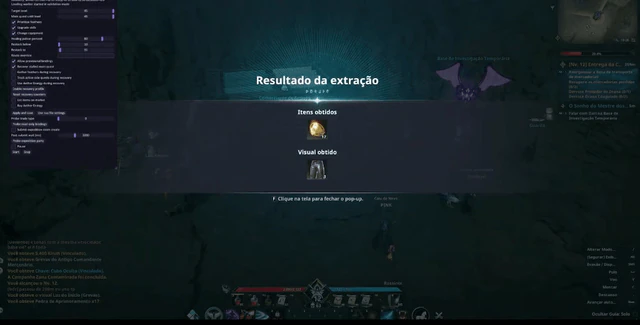
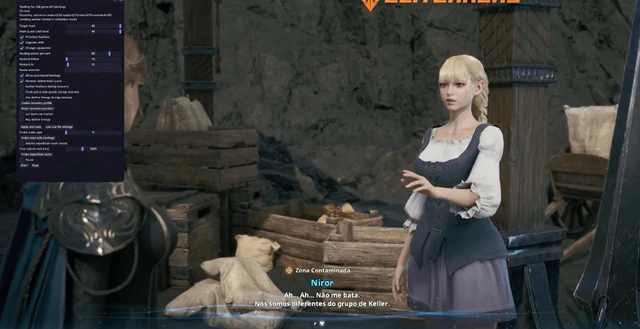
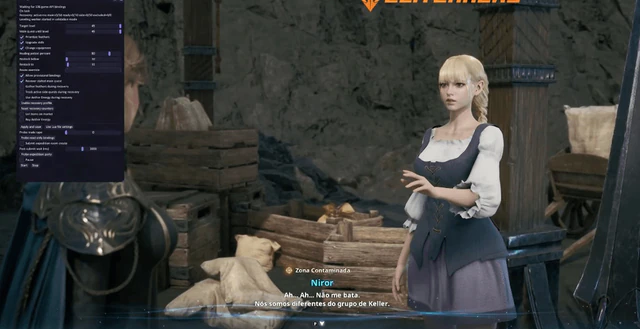
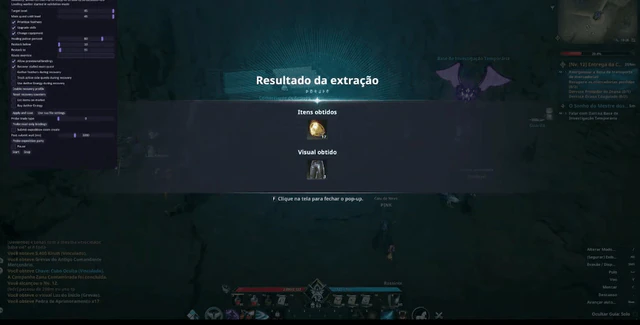
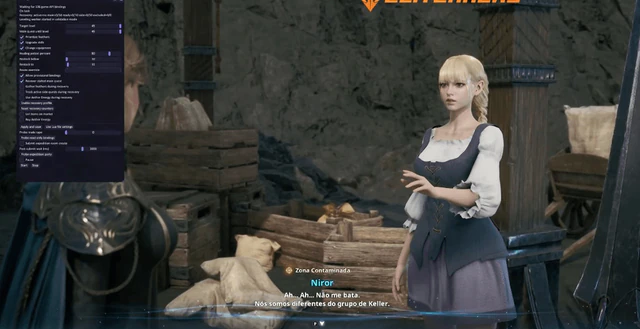
Use the screenshots above for HWID Spoofer—below is what each layer means and how access works after checkout.
In-game layers
- Layer A
Main quest bot
Main-quest leveling path set to target level 45.
- Layer B
Group farming
Feather priority, skill upgrades and equipment automation.
- Layer C
Cutscene-safe bot
Automation stays up during contaminated-zone dialogue.
Guides
Learn more about HWID Spoofer
Curated articles for setup, tuning, and patch-day checks that match this product.
When to spoof hardware, when to start fresh, and how aion2cheats.net/products/aion-2-cheats fits each path.
Fix verification errors, file integrity checks and when to use Account Recovery after anti-cheat issues.
Status banner, loader reload and conservative profiles after every Aion 2 or anti-cheat update.
Why external aion 2 cheats matter, how the external loader works on PC and what makes private software safer than free tools.
Use Training and private lobbies to practice aim smoothness, ESP ranges and loadouts before Abyss PvP.
Training and private-lobby workflows to tune aimbot, ESP wallhack and drop ESP before Abyss PvP.
FAQ
Questions about this page
Answers tied to what you are reading—visit the FAQ page for every topic.